What Is a HEIC File? A Complete Guide to Apple's Modern Photo Format
HEIC has become a major part of everyday digital photography, especially for iPhone users. Learn everything about Apple's modern photo format.
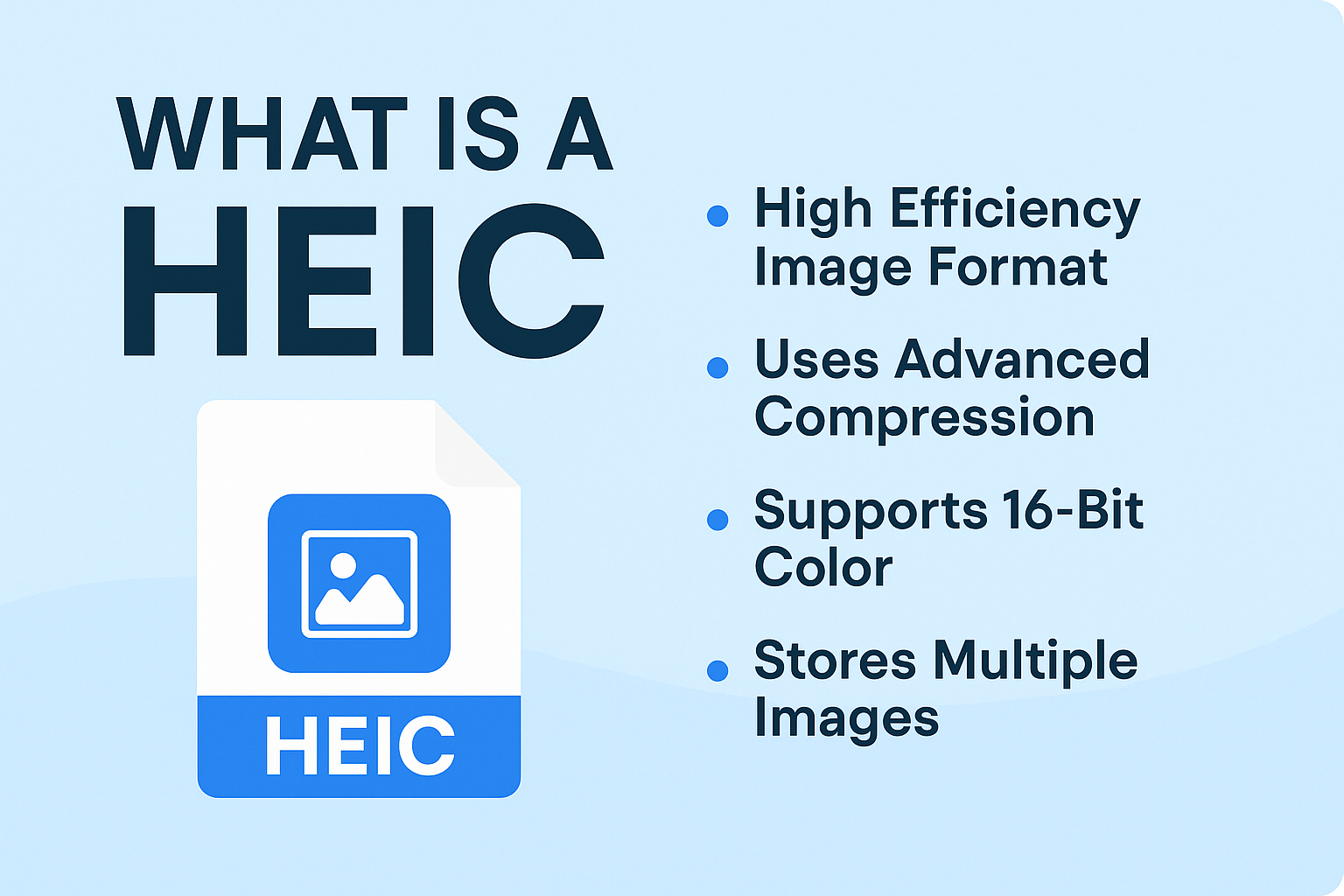
HEIC has become a major part of everyday digital photography, especially for iPhone users. Apple adopted the format in 2017 with the release of iOS 11, switching from JPEG to HEIC as the default way to save photos. Since then, HEIC has helped millions of users save storage space without sacrificing image quality.
This guide breaks down what a HEIC file is, how it works, its advantages and disadvantages, how it compares to JPEG, and what you can do when the format causes compatibility issues.
What Is HEIC? (Definition & Basics)
HEIC stands for High Efficiency Image File Format (HEIF), a container format developed by the Moving Picture Experts Group (MPEG). Files using this format typically end in .heic or .heics.
HEIC files use the HEVC (High Efficiency Video Coding) compression method—the same advanced technology used in video streaming—to reduce file size while preserving detail. Apple implemented it with iOS 11 in 2017 to modernize image storage on iPhones and iPads.
Technically, HEIF is the format, while HEIC specifically refers to HEIF files encoded using HEVC.
How HEIC Works (Technical Breakdown)
HEIC's efficiency comes from several advanced features:
- Video-style compression - Uses HEVC, a sophisticated compression algorithm that reduces file size without degrading image clarity
- Multi-image container - A single HEIC file can store multiple images—perfect for burst shots, Live Photos, and animations
- High color depth - HEIC supports 16-bit color, compared to JPEG's 8-bit limit. This means smoother gradients, richer detail, and more accurate colors
- Advanced metadata support - HEIC can store information like depth maps, LiDAR data, and extensive metadata for editing
- Non-destructive editing - Edits can be stored as separate layers inside the same container, letting you revert changes without quality loss
Advantages of HEIC Over JPEG
HEIC brings several improvements that make it far more modern than the decades-old JPEG format:
- Smaller file sizes - HEIC images are roughly 50% smaller than JPEGs of similar quality
- Better image quality - The 16-bit color support produces more vibrant images and smoother lighting transitions
- Advanced features - Transparency support, HDR capabilities, and improved dynamic range make HEIC ideal for modern photography
- Rich metadata - It can store depth data and other sensor information, enhancing editing possibilities—especially in portrait mode
- Ideal for mobile storage - Smaller file sizes help users stretch limited iPhone storage further
- Future-proof design - HEIC was created to evolve with new photography technologies
Disadvantages & Limitations of HEIC
HEIC isn't perfect, and the biggest issue is compatibility:
- Limited Windows support - Windows cannot open HEIC files without installing additional extensions
- Inconsistent Android support - Some Android devices read HEIC files, but many require third-party apps
- Software limitations - Not all programs (especially older ones) support HEIC editing or viewing
- Camera ecosystem mismatch - DSLRs and mirrorless cameras still rely heavily on JPEG or RAW formats
- Sharing friction - Many websites and apps expect JPEG, requiring conversion before upload
- User confusion - People unfamiliar with the format often don't understand why their images won't open
HEIC vs. JPEG: Side-by-Side Comparison
| Feature | HEIC | JPEG |
|---|---|---|
| File Size | ~50% smaller | Larger |
| Compatibility | Limited | Universal |
| Color Depth | 16-bit | 8-bit |
| Image Quality | Higher | Lower |
| Multi-Image Support | Yes | No |
| Editing Flexibility | High | Basic |
Overall: HEIC outperforms JPEG in quality and efficiency, but JPEG still wins in compatibility.
Why Apple Made HEIC the Default
Apple switched to HEIC for several strategic reasons:
- Reduce photo file sizes without lowering quality
- Optimize storage on iPhones, which often have limited space
- Support modern features like Live Photos, burst shots, and advanced metadata
- Improve battery performance by reducing processing demands
- Prepare for the future, as high-resolution sensors and enhanced photography features expand
How to Enable or Disable HEIC on iPhone
By default, iPhones save images as HEIC. To switch to JPEG:
- Open Settings
- Go to Camera
- Select Formats
- Choose Most Compatible (JPEG)
Choose this if you regularly share photos with Windows or Android users. Keep in mind, switching to JPEG will increase photo storage usage.
How to Convert HEIC Files
If you run into compatibility issues, conversion is easy. The easiest way is to use [HEIC Converter](https://heicconverteronline.com/) - it's completely free and converts HEIC to JPEG, PNG, or PDF in seconds.
Other options include Windows HEIF Image Extensions, Mac Preview, or built-in iPhone sharing (which automatically converts HEIC to JPEG when emailing).
Common HEIC Use Cases
- Default format for iPhone and iPad photography
- Useful for professional photographers needing richer detail
- Great for storage-conscious users
- Works well for cloud backups, where smaller file sizes upload faster
- Ideal for burst images, Live Photos, and animations
The Future of HEIC
HEIC adoption is steadily increasing. More operating systems now support HEIC, browsers are beginning to recognize the format, and photo editing software is catching up. JPEG is gradually becoming a legacy standard.
As compatibility improves, HEIC may become the new universal photography format.
Troubleshooting: When HEIC Files Won't Open
If you can't open a HEIC file, you have several options. For Windows, install HEIF Image Extensions. For Android, use a third-party viewer if your device lacks native support. For email issues, iPhone automatically converts HEIC to JPEG when sending. For web uploads, convert to JPEG if the website rejects HEIC.
In most cases, a quick conversion solves the problem. You can use [HEIC Converter](https://heicconverteronline.com/) to easily convert HEIC files into JPEG, PNG, and PDF formats.
Key Takeaways About HEIC Files
HEIC is a powerful, modern image format that offers better quality, smaller file sizes, and advanced features that JPEG simply can't match. While compatibility challenges still exist, the format is becoming more widely supported each year.
Use HEIC for storage efficiency and high-quality photography, and switch to JPEG or convert your HEIC files when you need broader compatibility. As technology evolves, HEIC is likely to take an even bigger role in everyday photography.